
先日追加された新機能、describe。describeは、アップロードした画像からプロンプトを抽出し、さらに画像が生成できるという機能です。これはまた物議を醸し出しそうな予感がしますが、正しく利用すれば、とてつもなく強力な機能なため、自身が撮影した写真を利用して機能や使ってみての結果をお伝えします。
describeの使い方
使い方はとても簡単で、まずDiscordのメッセージ欄に以下のように打ち込みます。
/describe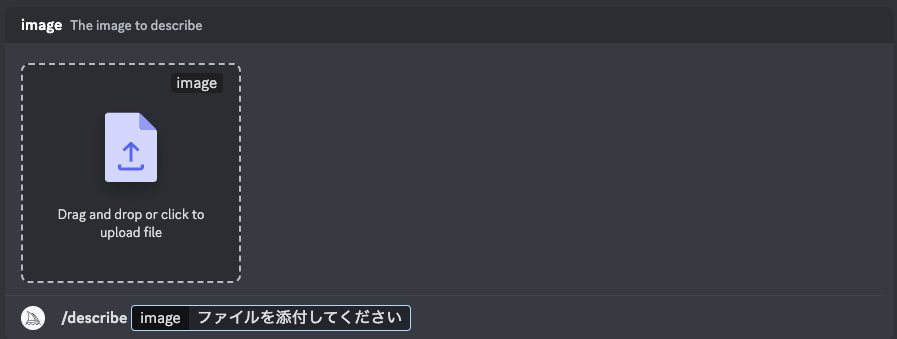
コマンドが通ると上記の画像のようにアップロードを促すメッセージが届きます。
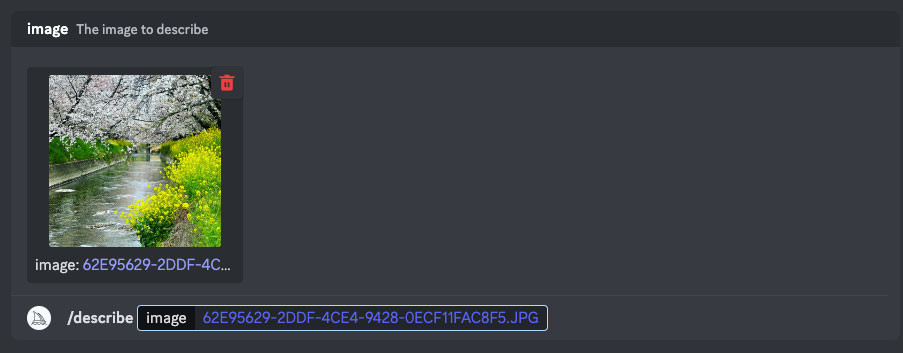
写真を選択してアップロードし、エンターを押せば抽出が開始されます。
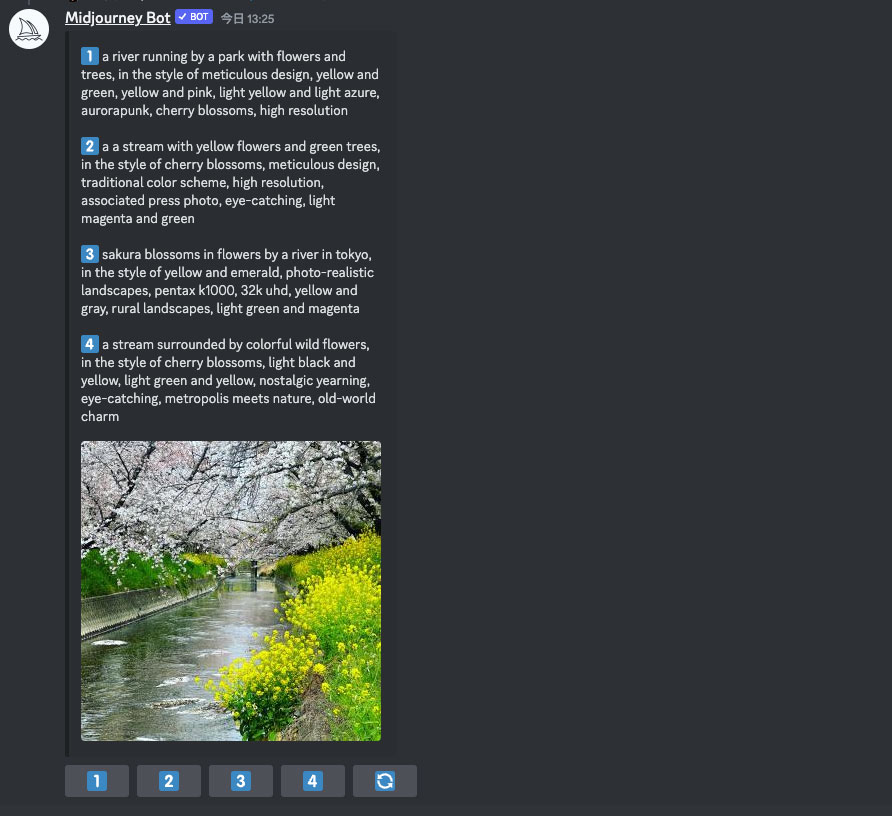
抽出が完了したらプロンプトの候補が4つ提示され、それぞれのボタンから画像を1クリックで生成可能です。抽出されたプロンプトから、それぞれ生成してみました。
抽出されたプロンプトと生成画像
1枚目
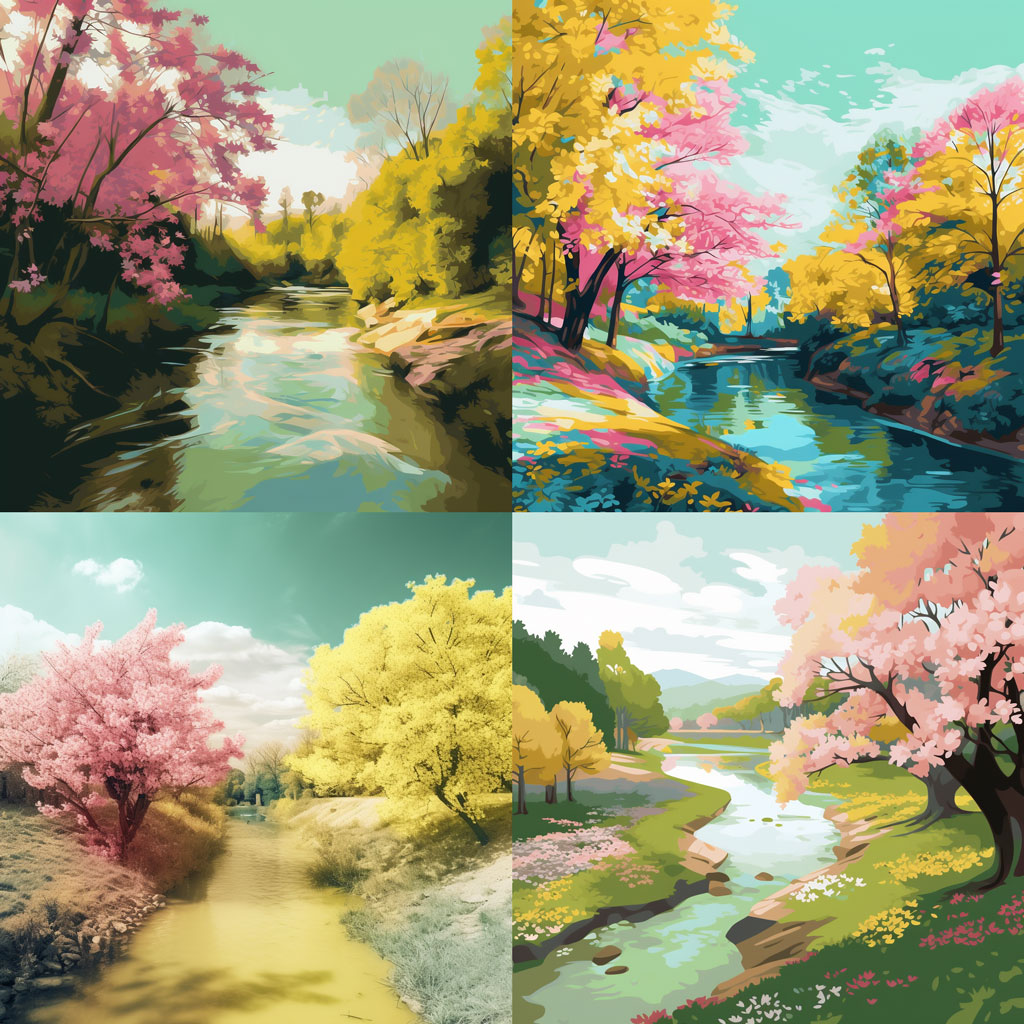
a river running by a park with flowers and trees, in the style of meticulous design, yellow and green, yellow and pink, light yellow and light azure, aurorapunk, cherry blossoms, high resolution
2枚目
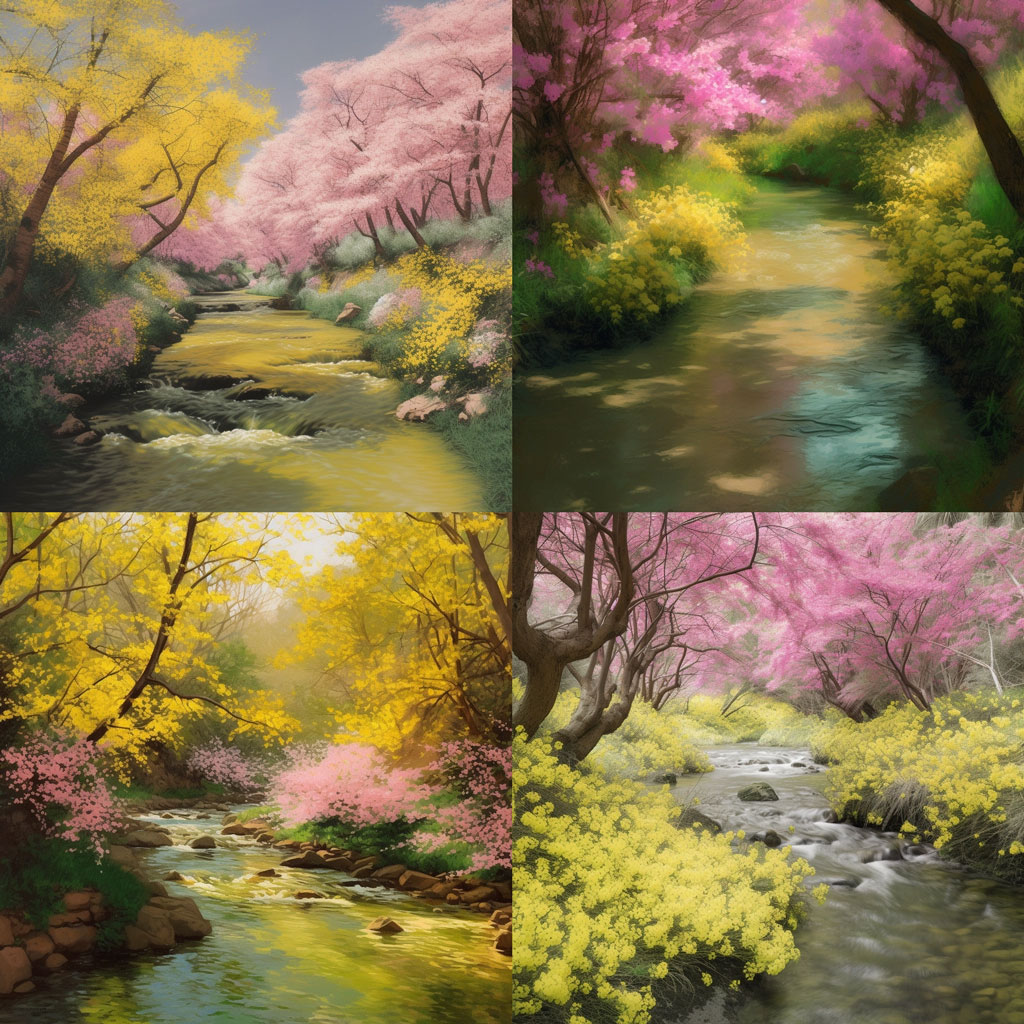
a a stream with yellow flowers and green trees, in the style of cherry blossoms, meticulous design, traditional color scheme, high resolution, associated press photo, eye-catching, light magenta and green
3枚目
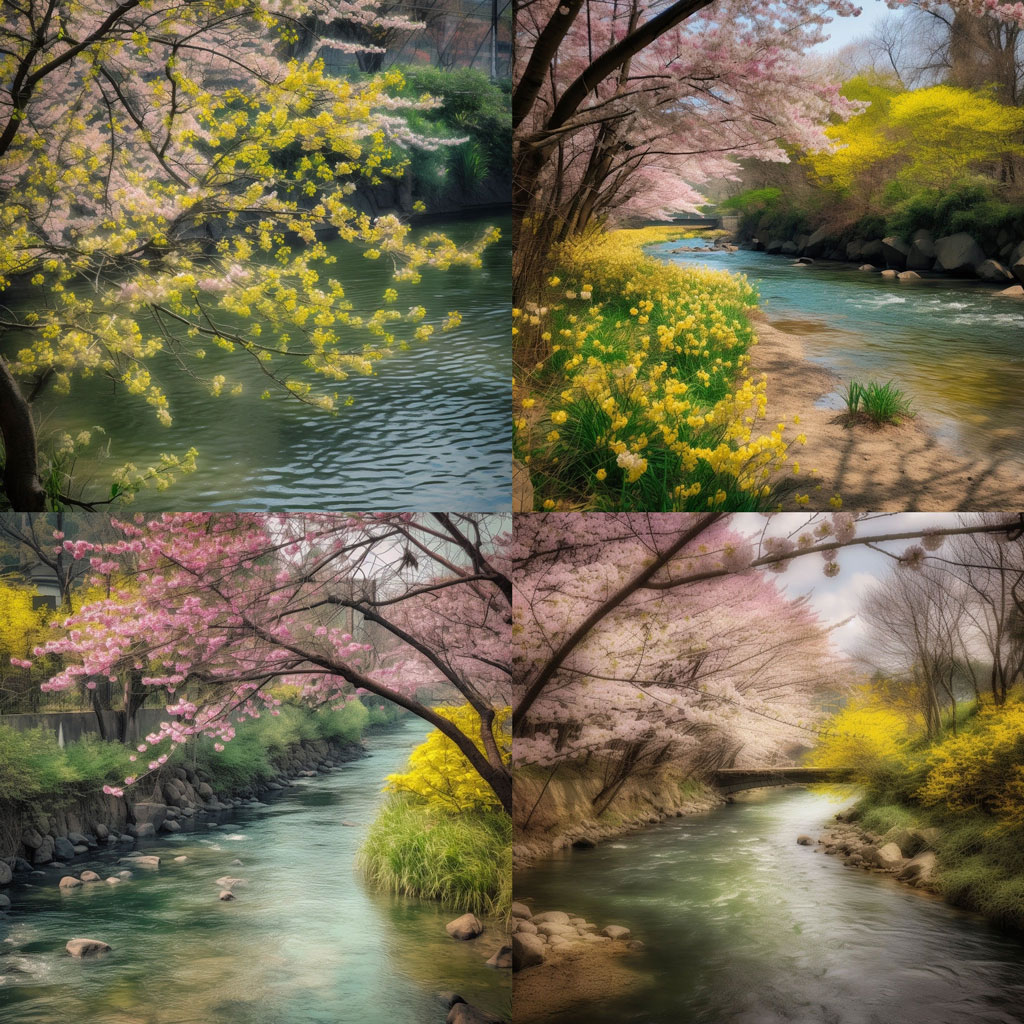
sakura blossoms in flowers by a river in tokyo, in the style of yellow and emerald, photo-realistic landscapes, pentax k1000, 32k uhd, yellow and gray, rural landscapes, light green and magenta
4枚目
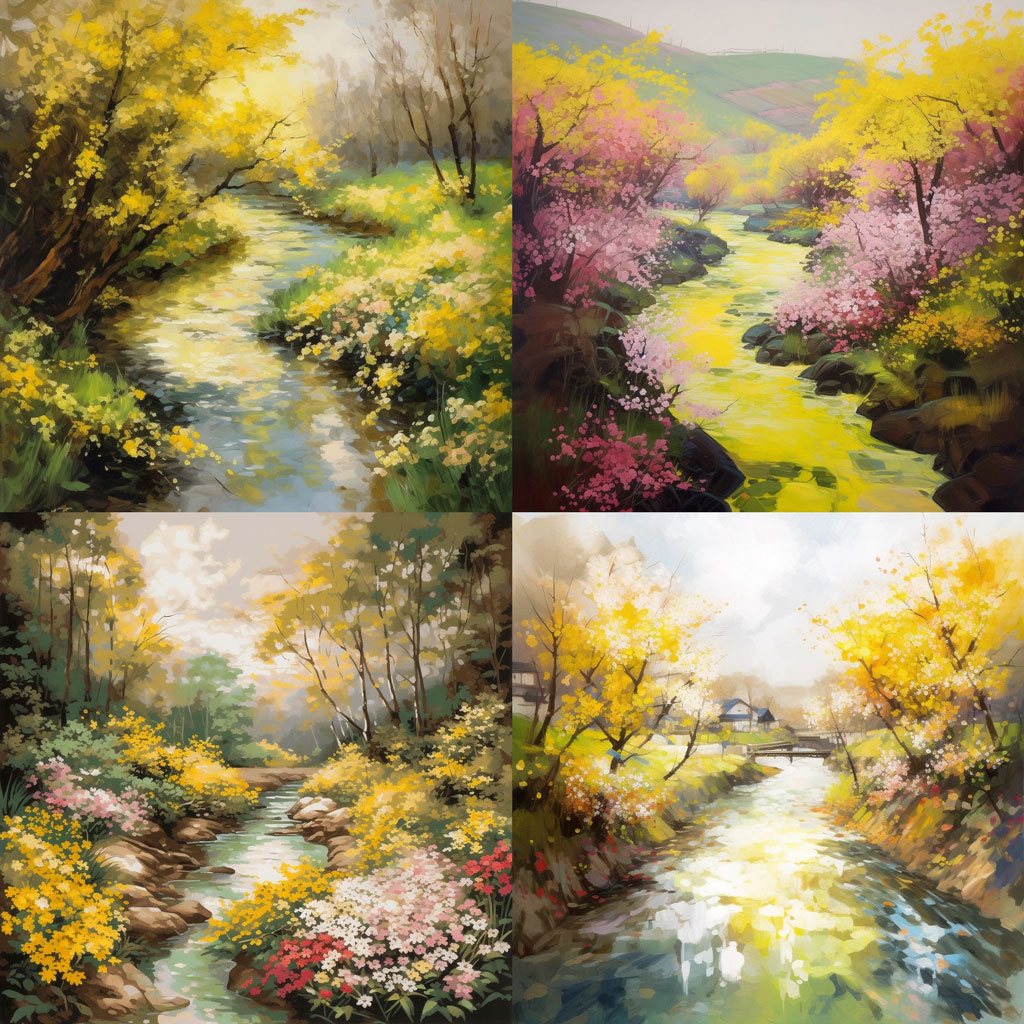
a stream surrounded by colorful wild flowers, in the style of cherry blossoms, light black and yellow, light green and yellow, nostalgic yearning, eye-catching, metropolis meets nature, old-world charm
ピッタリとはいきませんが、かなり細かく画像を認識してプロンプト化してくれています。
ここからテイストなどプロンプトを調整していけば、理想の1枚を生成できるのではないでしょうか?生成を補助してくれる強力なツール、便利に正しく使っていきたいですね。


